Linux
- Files
- Calendar
- Contacts
Thunderbird
You can use Thunerbird with the lightning extention to synchronize e-mail, contacts and calendars with IMAP, CardDAV and CalDAV.
Walkthrough guide coming soon…
Files
With the Group Office assistant you can edit files directly in Group Office. When you launch a file by double clicking it will automatically mount the webdav drive and launch the default application on your computer.
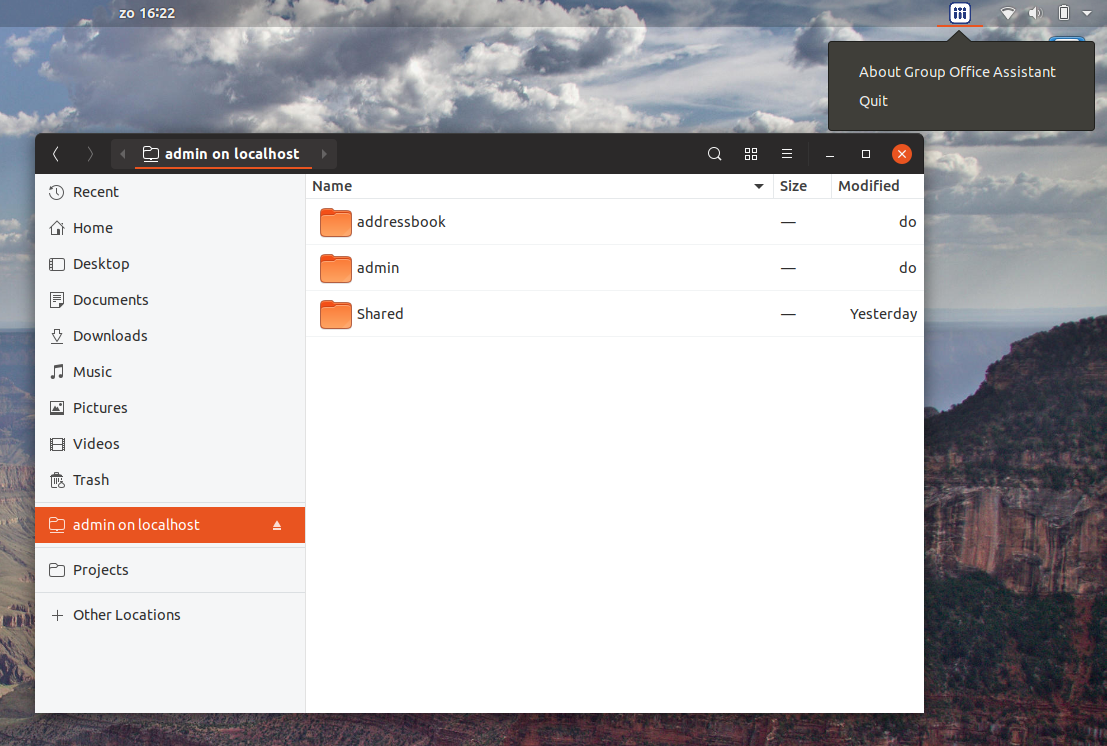
On Debian based distributions you can install the Group Office Assistant.
First add our repository to /etc/apt/sources.list:
deb http://repo.group-office.com/ one main
Add our public key:
gpg --keyserver pool.sks-keyservers.net --recv-keys 0758838B
gpg --export --armor 0758838B | sudo apt-key add -
Update APT:
sudo apt-get update
Then install Group Office Assistant by running:
sudo apt-get install groupoffice-assistant
Now double click a file in Group Office and it can be edited on your desktop instantly.
Note: due to a bug in Ubuntu you’ll get this ignorable error:
Error in file "/usr/share/applications/org.gnome.font-viewer.desktop": "font/ttf" is an invalid MIME type ("font" is an unregistered media type)