Account settings
Click on your avatar in the top right corner and select “My account” to change your account settings.
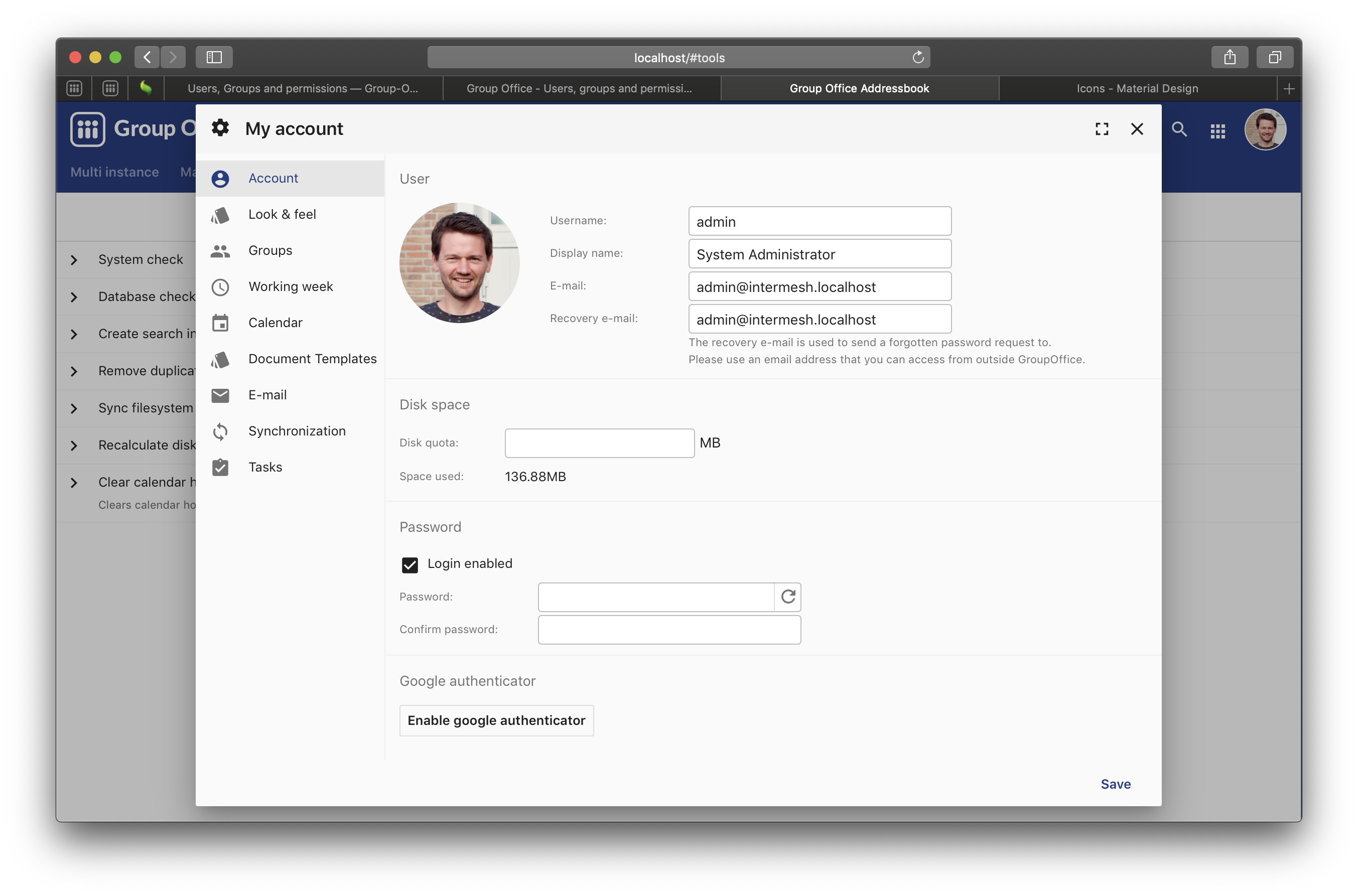
My Account
Account
On this tab you can change your:
- Photo / Avatar
- Username
- Display name
- Password
You can also setup two factor authentication with Google Authenticator.
Look and Feel
Setup:
- Regional settings
- Notification and sound settings
- Theme and user interface options
Working week
Setup the number of hours your work each day of the week. This information is used in the holidays and absence module to calculate the number of hours for periods. It’s also used in the time tracking module.
Synchronization
Configure what will be synchronized to other devices.
Modules
Depending on the modules that are installed other tabs appear here too.