Links
Group-Office has a very powerful link function. Each item can be linked to another. The link function gives you the ability to organize your data easily. You can for example link:
- E-mail messages
- Tasks
- Projects
- Contacts
- Organizations
- Calendar events
- Notes
- Files
- Invoices
- Quotes
Create a link
Every item that supports links has an “Add” menu button with a + icon.
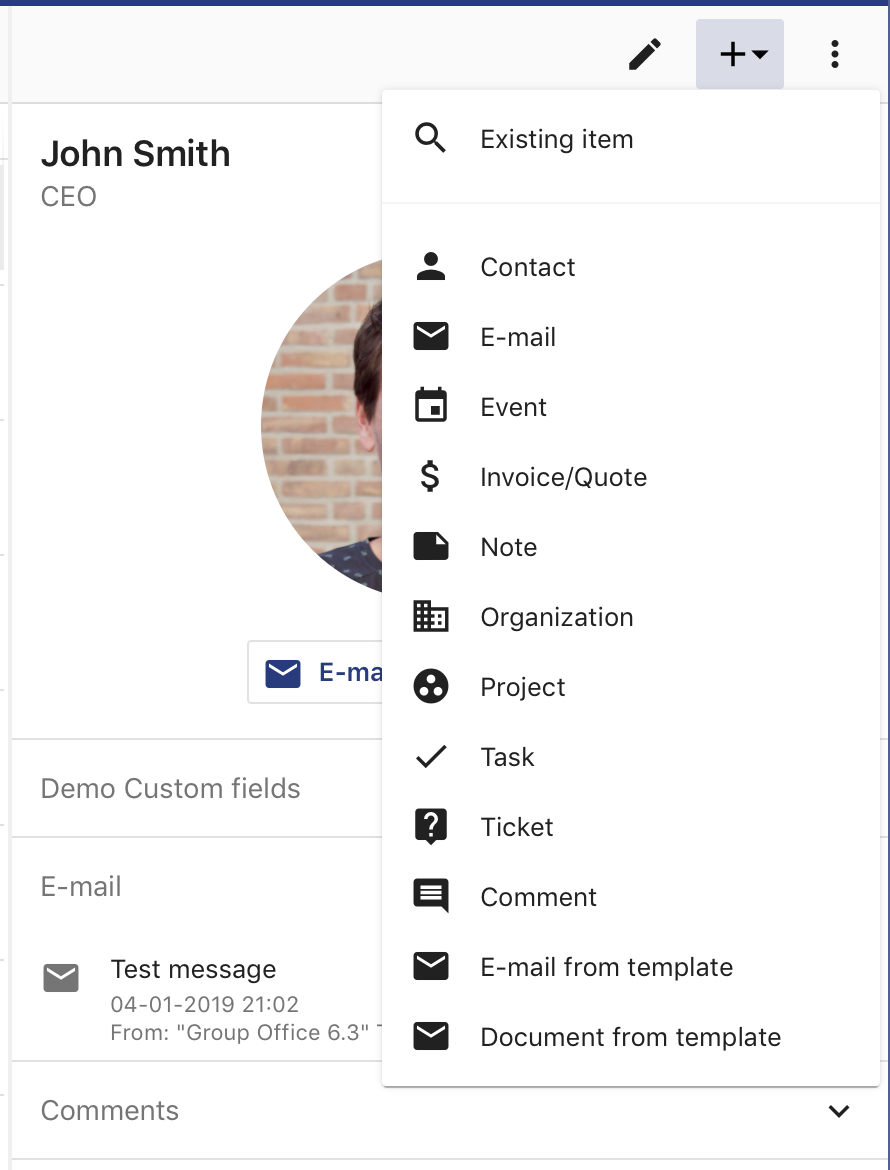
Add menu button
If you want to search for an existing item in the system choose “Existing item”. All other items will open the create dialog to link a new item.
Viewing links
Links are grouped by type in detail views. Here’s an example of a how links are shown in the detail view of a contact:
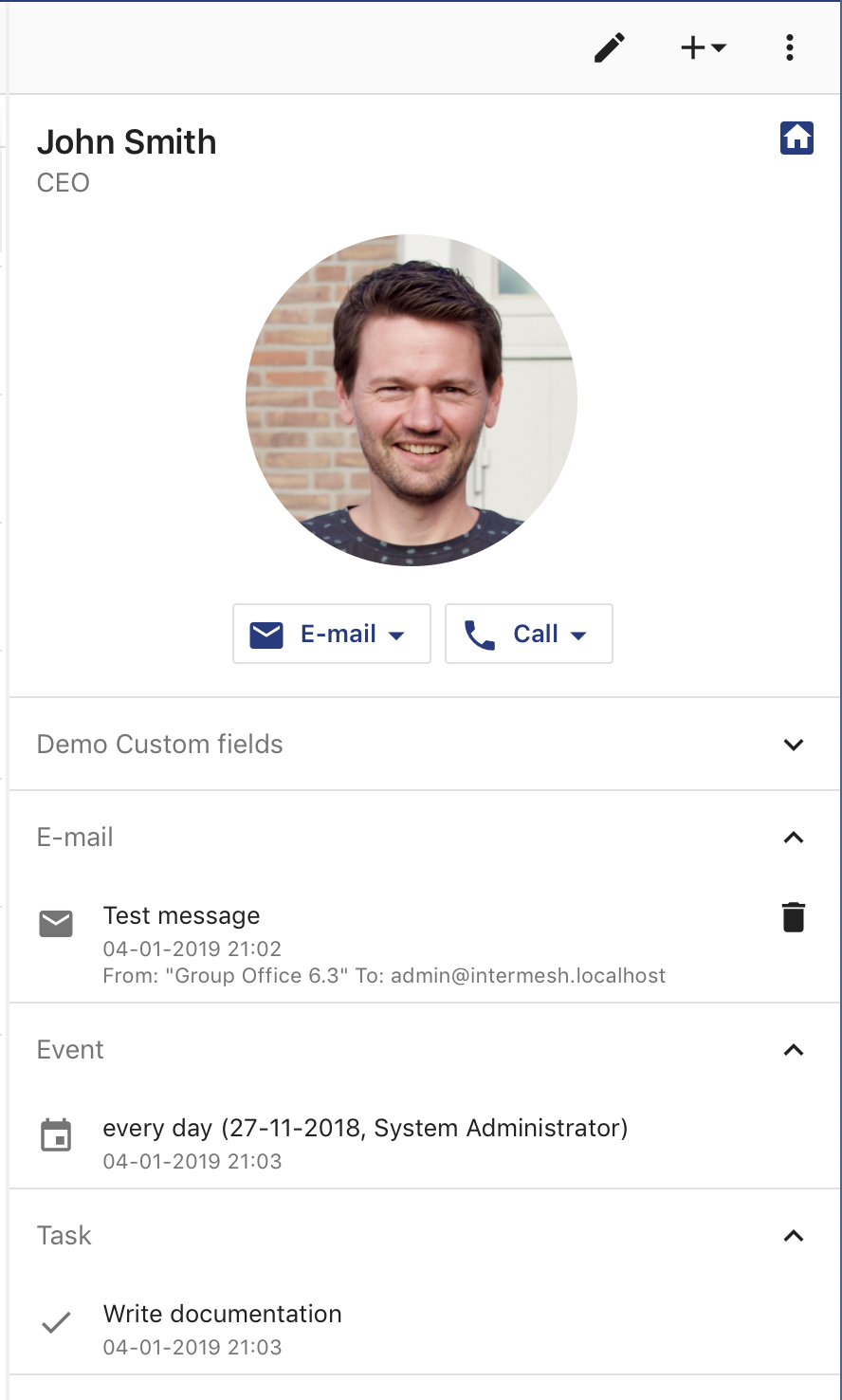
Contact with links
If you’d like to browse, search and filter links without jumping in the system you can use the link browser.

Link browser