Tarball
We strongly recommend that you use our Debian packages or Docker over this method. But if you really want to use the Tarball source then here is how.
System requirements
You need a Linux server with:
| Type | Requirement |
|---|---|
| Operating System | Linux / Docker |
| Webserver | Apache 2+ |
| Database | MySQL 5.3+ |
| Programming language | PHP 7.0+ |
Required PHP Extensions
- pcre
- mbstring
- ctype
- date
- iconv
- curl
- zip
- soap
- gd
- pdo
- pdo_mysql
- calendar
Grab the source from:
Put the unpacked source in apache’s document root.
Make sure to make some aliases in the Apache configuration:
  Alias /public <YOURDOCUMENTROOT>/public.php

  Alias /Microsoft-Server-ActiveSync <YOURDOCUMENTROOT>/modules/z-push/index.php

  #For CalDAV support
  Alias /caldav <YOURDOCUMENTROOT>/modules/caldav/calendar.php

  #For CardDAV support
  Alias /carddav <YOURDOCUMENTROOT>/modules/carddav/addressbook.php

  #For WebDAV support
  Alias /webdav <YOURDOCUMENTROOT>/modules/dav/files.php


  #DAV Service discovery. At least required for iOS7 support
  Redirect 301 /.well-known/carddav /carddav
Redirect 301 /.well-known/caldav /caldav
If you purchased Group-Office Professional licenses then make sure the Ioncube loader is installed and place the license files in “/usr/share/groupoffice/”. For example “/usr/share/groupoffice/groupoffice-pro-6.3-license.txt”.
Then visit http://yourserver/ and the installer should appear:
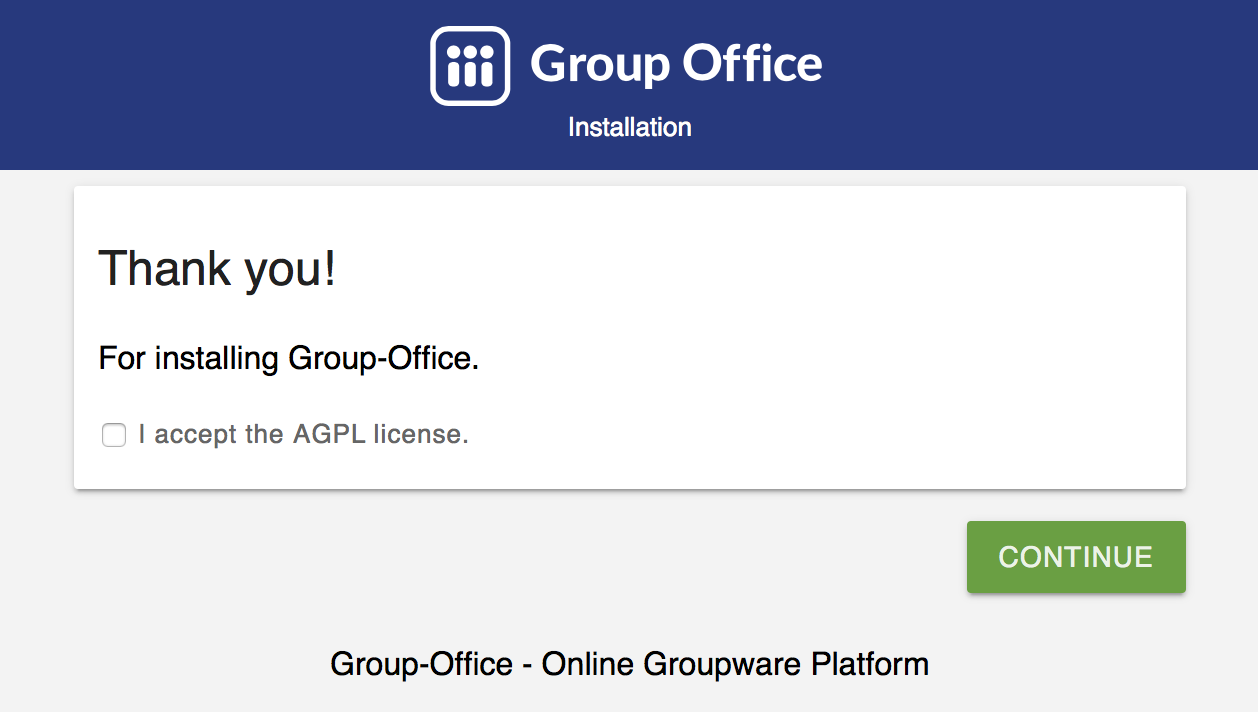
The Group-Office installer
Follow the instructions on screen.
Finally, create a cron job for the scheduled tasks:
* * * * * www-data php <YOURDOCUMENTROOT>/cron.php
Authentication with CGI or FastCGI
When using PHP through CGI the “Authorization” header might not be passed by default. You can enable this header by adding these “mod_rewrite” rules to your VirtualHost section or .htacess file:
RewriteEngine On
RewriteCond %{HTTP:Authorization} ^(.*)
RewriteRule .* - [e=HTTP_AUTHORIZATION:%1]