Files
The files module supports:
Assistant
The Group-Office Assistant is a small program that you can install on your Windows, MacOS or Linux computer. It will automatically download files opened from Group-Office and monitor it for changes. When the file is saved it automatically uploads it back to Group-Office.
It also assists in mounting a network drive.
Download it for:
Microsoft Office Online
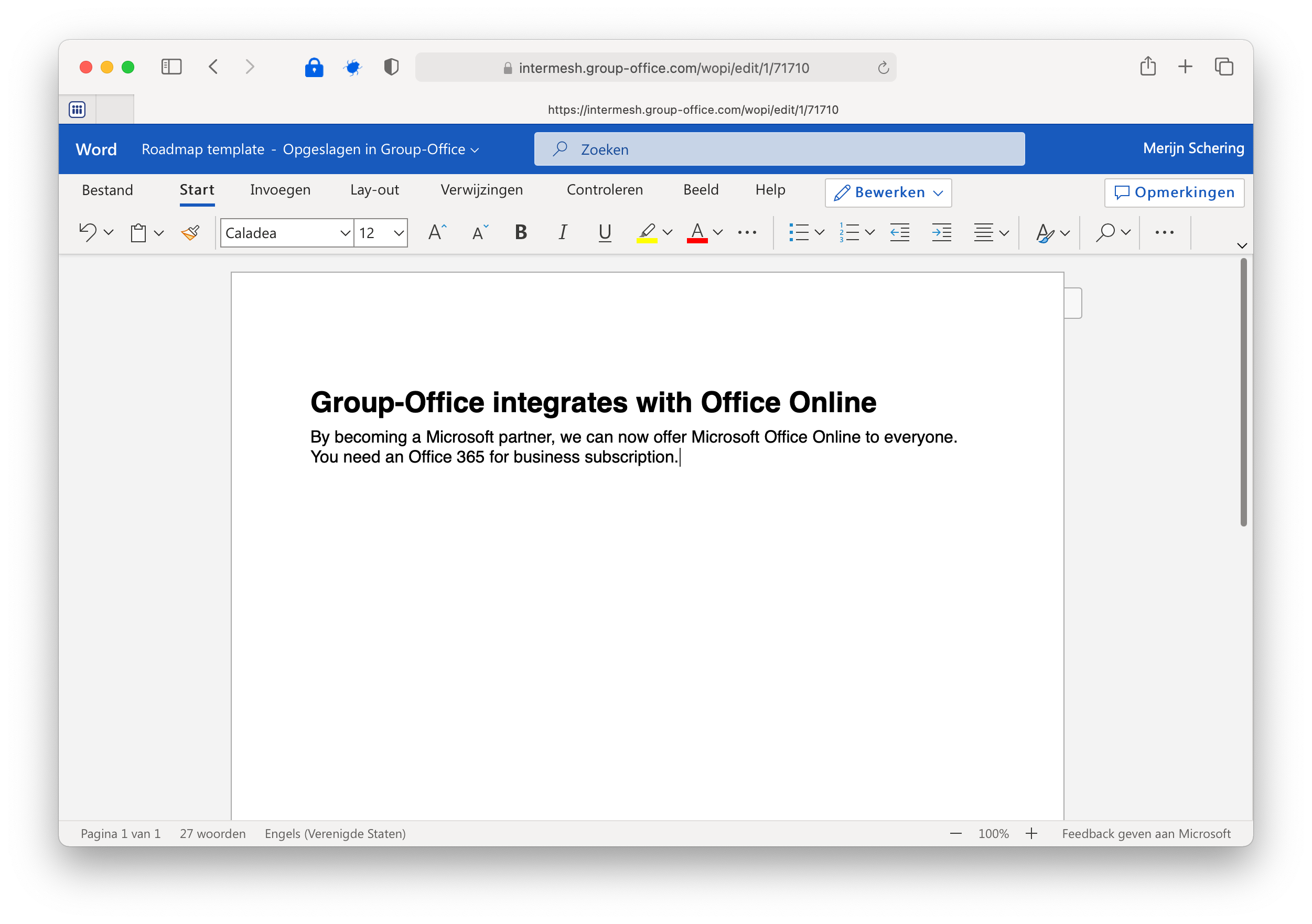
By becoming a Microsoft partner, we can offer Microsoft Office Online to everyone. You need an Office 365 for business subscription.
In our cloud version it’s already configured by default. Right click on a file and edit with “Office Online” and make it the default if you desire.
You can also host Office Online yourself and integrate it with Group-Office. Read more about that here:
https://docs.microsoft.com/en-us/officeonlineserver/office-online-server
LibreOffice Online
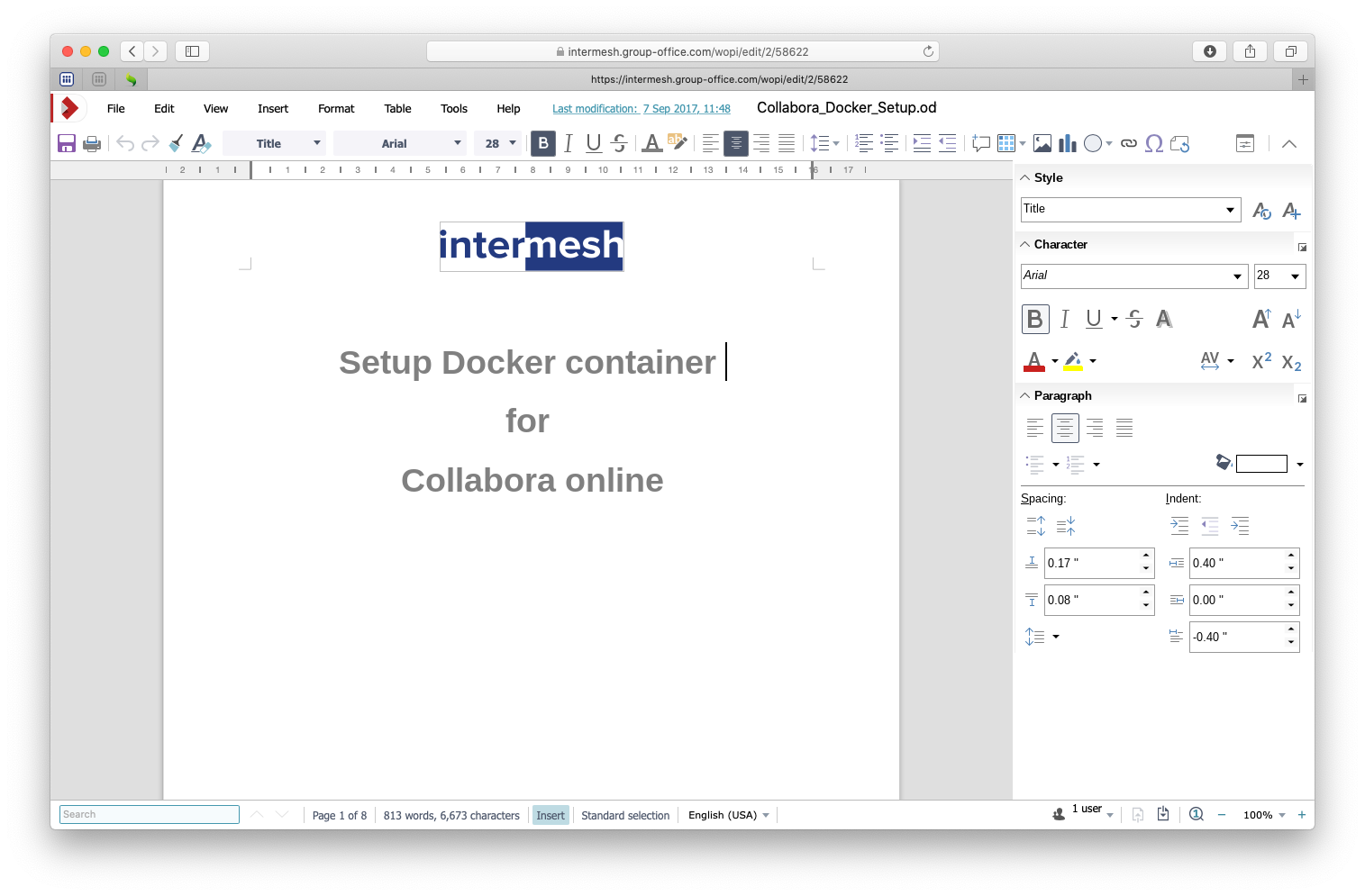
LibreOffice Online
With LibreOffice Online you can edit office documents in your browser. You need a working LibreOffice Online server. More info on https://www.libreoffice.org/download/libreoffice-online/
For installing read the LibreOffice online installation page.
OnlyOffice
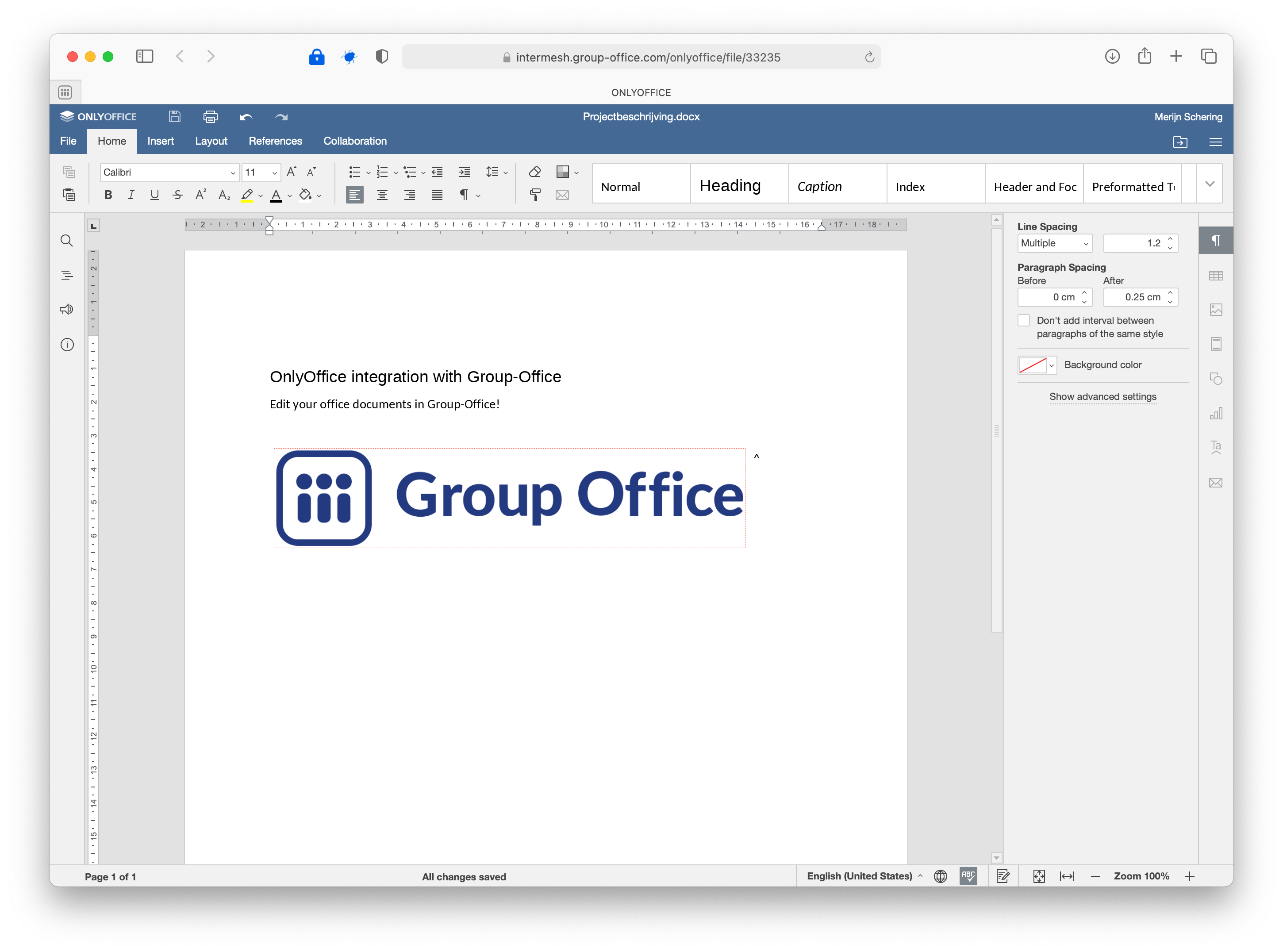
OnlyOffice
Run your private office with Group-Office and OnlyOffice.
Designed to make collaboration easy. A complete productivity suite to run your entire business with.
Edit Text Documents, Spreadsheets and Presentations online in your browser.
For installing read the OnlyOffice installation page.