Linux
- Files
- Calendar
- Contacts
Thunderbird
You can use Thunerbird with the lightning extention to synchronize e-mail, contacts and calendars with IMAP, CardDAV and CalDAV.
Walkthrough guide coming soon…
Files
The Group-Office Assistant is a small program that you can install on your Windows, MacOS or Linux computer. It will automatically download files opened from Group-Office and monitor it for changes. When the file is saved it automatically uploads it back to Group-Office.
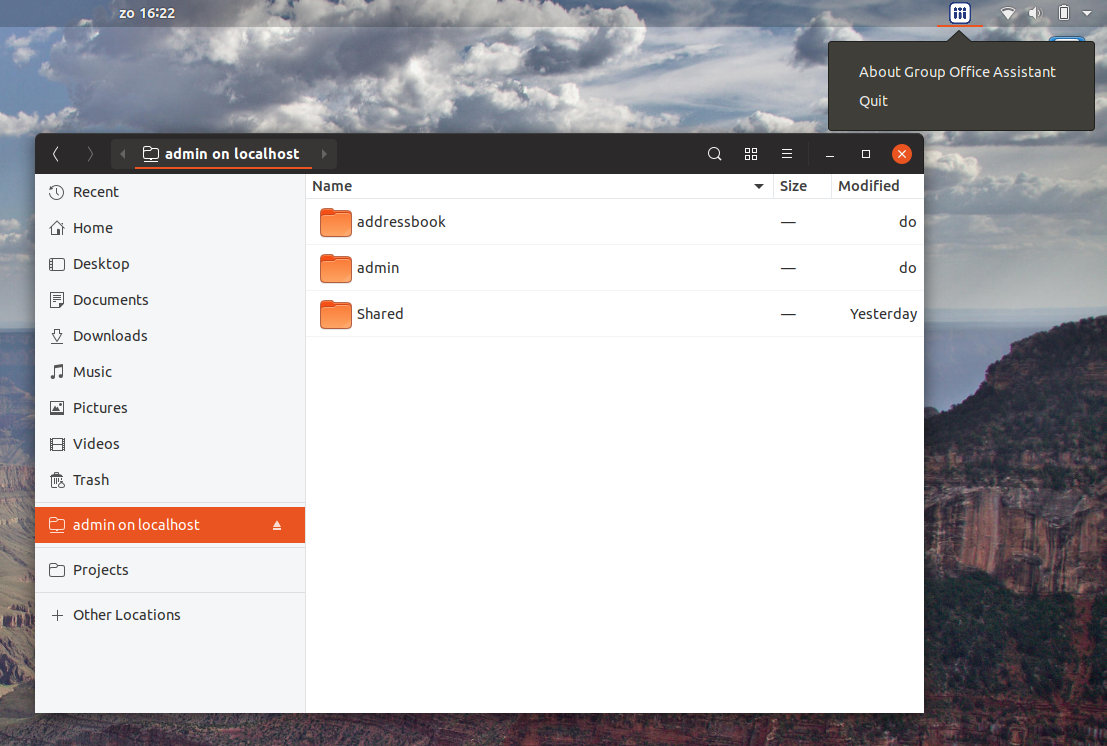
On Debian based distributions you can install the Group Office Assistant.
First add our APT repository:
echo "deb http://repo.group-office.com/ one main" | sudo tee /etc/apt/sources.list.d/groupoffice-assistant.list
Add our public key:
gpg --keyserver pool.sks-keyservers.net --recv-keys 0758838B
gpg --export --armor 0758838B | sudo apt-key add -
Update APT:
sudo apt-get update
Then install Group Office Assistant by running:
sudo apt-get install groupoffice-assistant
Now double click a file in Group Office and it can be edited on your desktop instantly.
Note
For Chrome users. You might be annoyed by the popup dialog everytime you open a file. Here’s a solution for that: https://superuser.com/questions/1481851/disable-chrome-to-ask-for-confirmation-to-open-external-application-everytime