LDAP
You can use an LDAP server to authenticate and autocreate Group-Office users and e-mail accounts.
Install
- Install the ldapauthenticator module at Start menu -> Modules
- Reload Group-Office
Configure
Go to System Settings -> Authentication
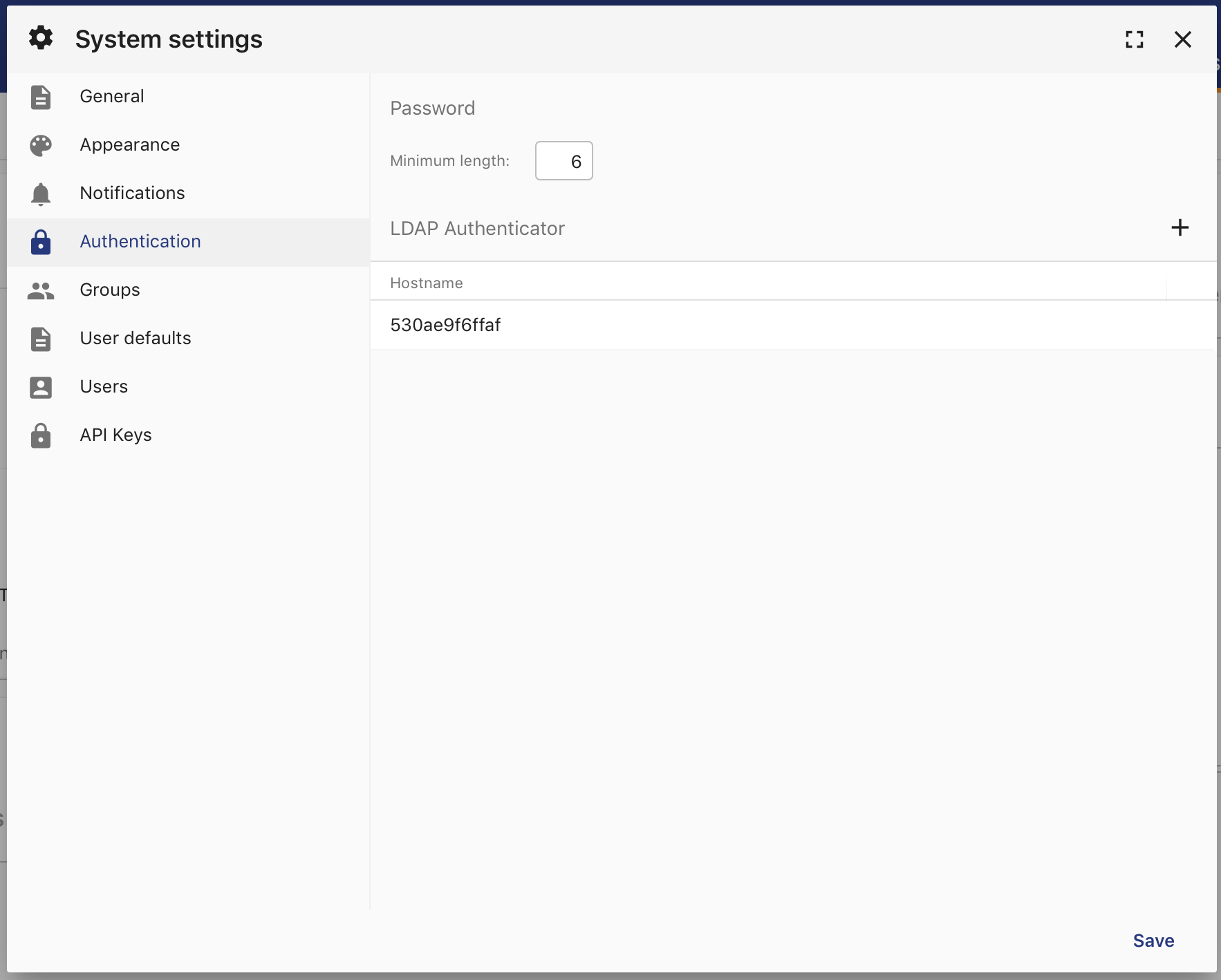
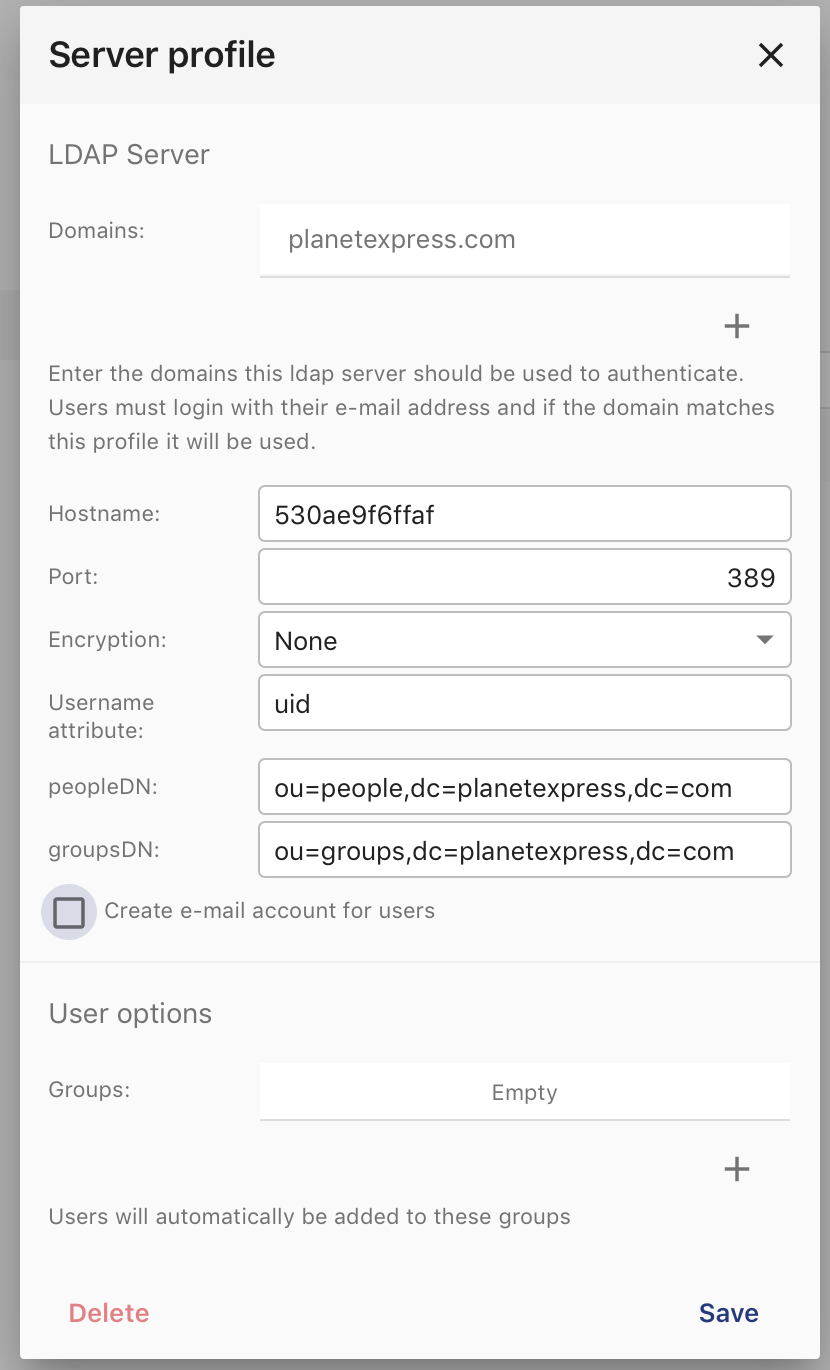
There’s a new section for LDAP server profiles. Click on the add button to add a profile. Enter the LDAP server details and domains. The domains are important because users need to login with <LDAPUSER>@<DOMAIN> to trigger the LDAP authenticator.
Note
If you’re using Microsoft ActiveDirectory then you should use “samaccountname” as the username attribute. The users DN is typically CN=Users,DC=example,DC=com
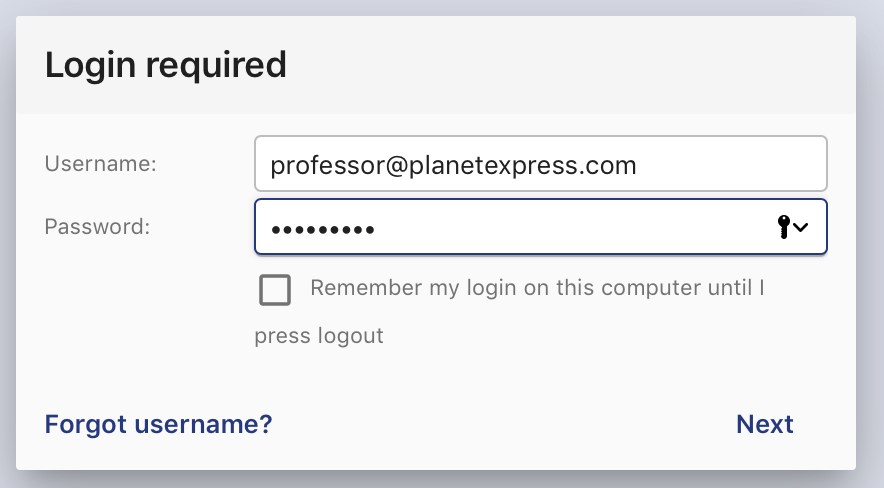
Now check if you can login with the LDAP domain:
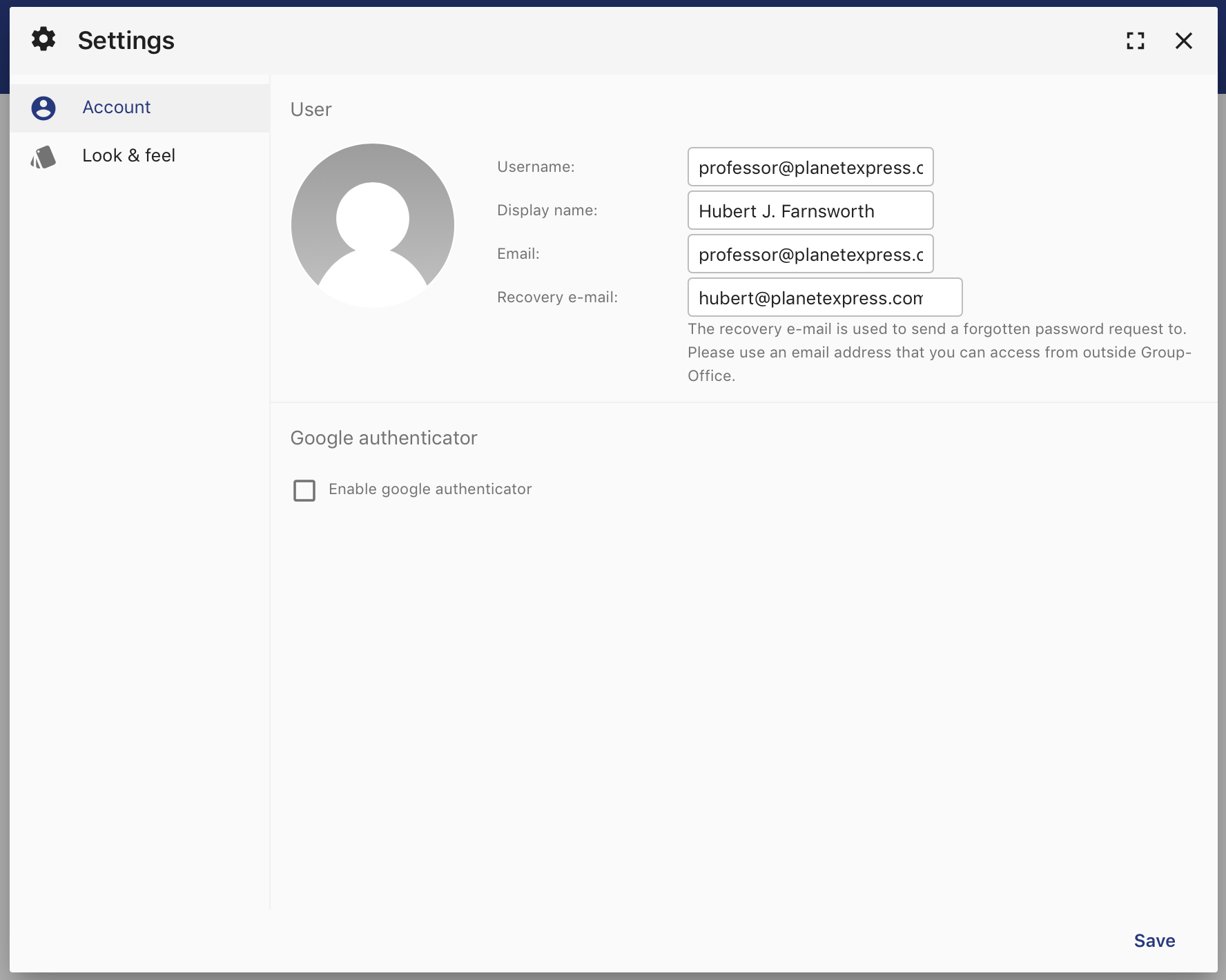
It should autocreate the LDAP user. In the user settings it won’t be possible to change the password as that’s not supported yet:
User query
The user query can be used to narrow down the users that are allowed to login and / or synchronized.
For example all users except the members of ‘ship_crew’:
(&(objectClass=inetOrgPerson)(!(memberOf=CN=ship_crew,ou=people,dc=planetexpress,dc=com)))
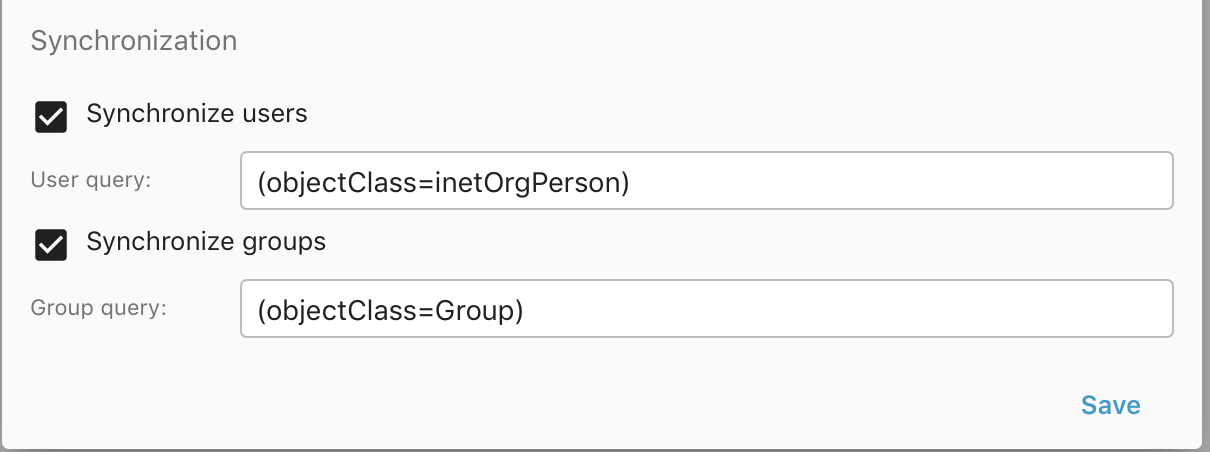
Synchronization
It’s also possible to synchronize users and groups from the LDAP server. Simply enable the checkboxes and optionally adjust the queries to fetch the correct users and groups.
When you enable the sync, it will schedule the sync to run the next minute. After that it will sync daily at midnight.
Advanced
When a user or group is synchronized. It fires an event. So it’s possible to build a module that can customize the LDAP synchronization.
If you want to test the sync on the terminal lookup the ID from your configuration in table ‘ldapauth_server’ and run:
Test connectivity:
php cli.php community/ldapauthenticator/Sync/test --id=<ID FROM DATABASE> --debug=1
To sync users:
php cli.php community/ldapauthenticator/Sync/users --id=<ID FROM DATABASE> --dryRun=1 --delete=1 --maxDeletePercentage=50
And for groups:
php cli.php community/ldapauthenticator/Sync/groups --id=<ID FROM DATABASE> --dryRun=1 --delete=1 --maxDeletePercentage=50
For debugging you could also add –debug=1 to output some extensive debug information
Test environment
For testing I’ve used this docker image: https://hub.docker.com/r/rroemhild/test-openldap/